
Formuler IPTV setup: MyTVOnline 3, TiviMate or MAC portal
By TiviMatePremium.shop · Updated 28 October 2026
Your Formuler IPTV setup has three routes, and each takes about 5 minutes. Add an Xtream Codes portal in the built-in MyTVOnline 3, install TiviMate from Google Play and add the same login, or send us the box's MAC address so we register it. The steps match on the Z and S series.
In short
- MyTVOnline 3 is built in: add a portal with your Xtream Codes login and you are done.
- Formuler runs Android, so TiviMate installs from Google Play and takes the same login.
- Prefer a MAC portal? Send us the MAC from Settings, About and we register it.
| Device | Formuler Z and S series |
|---|---|
| Time needed | About 5 minutes |
| Difficulty | Easy |
| Apps covered | MyTVOnline 3, TiviMate, MAC portal |
| What you need | Your login from WhatsApp |
Before you start
Have these ready and your Formuler IPTV setup runs without a pause.
- Your Formuler box connected to the TV and to your network, ideally by Ethernet.
- A stable connection: 25 Mbps or more if you want 4K.
- Your login from WhatsApp: the server URL, username and password, plus an M3U link. No login yet? Compare our IPTV plans for TiviMate; every plan also works in MyTVOnline 3.
- About 10 minutes.
Everything below is a one-time setup. After that, you just open the app. Guides for other devices are on our setup guides for every device page.
Choose your app
Option A, MyTVOnline 3, is built in and the easiest. Option B, TiviMate, gives you its guide layout and optional Premium. Option C, the MAC portal, needs no typing because we register your box.
Set up MyTVOnline 3 on Formuler
Built into Formuler boxes, no download needed.
-
Step 1: Open MyTVOnline 3
Start MyTVOnline 3 from the Formuler home screen. On a new box it opens to an empty portal list, which is normal before your first Formuler IPTV setup.
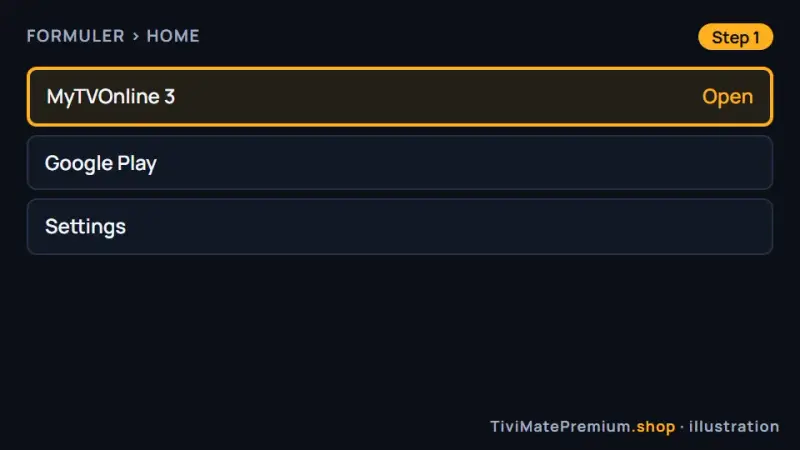
MyTVOnline 3 on the Formuler home screen (illustration) -
Step 2: Add a portal
Go to Settings, Portal Settings, Add Portal. Enter any name you like for the portal, for example the name of your plan, so you can recognize it later.
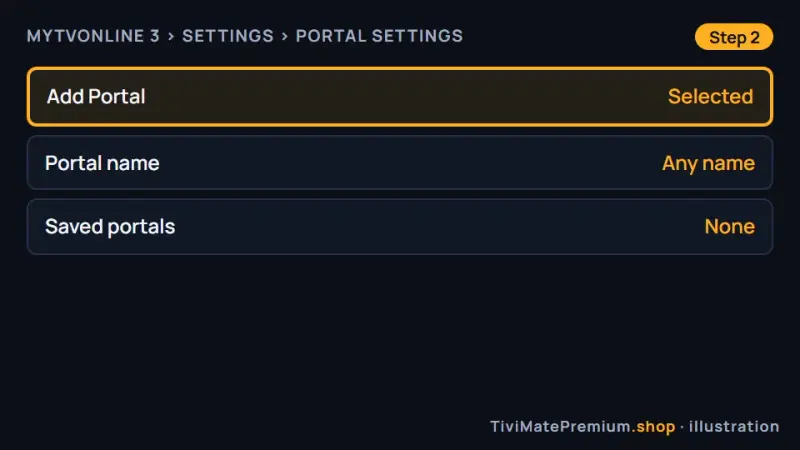
Add Portal in the MyTVOnline 3 settings (illustration) -
Step 3: Choose Xtream Codes API
Set the login type to Xtream Codes API, then enter the server URL, username and password exactly as we sent them on WhatsApp, with no extra spaces.
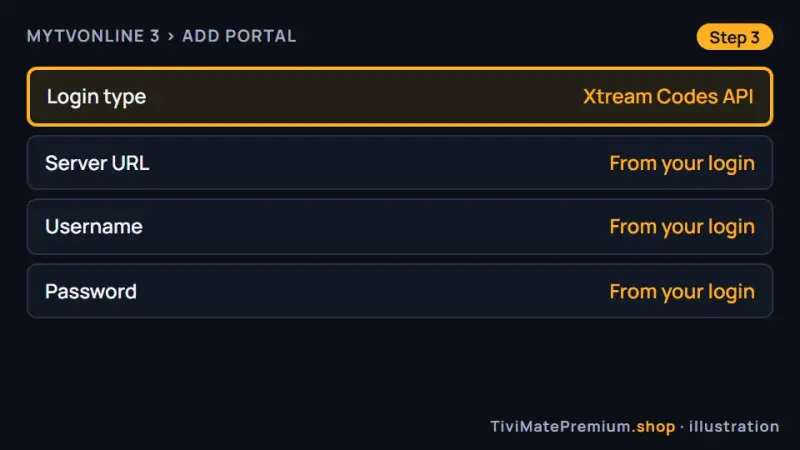
The Xtream Codes API login fields in MyTVOnline 3 (illustration) -
Step 4: Save and connect
Save the portal, then select it to connect. Your channel groups, movies and series load, and the guide fills in over the next minute or two.
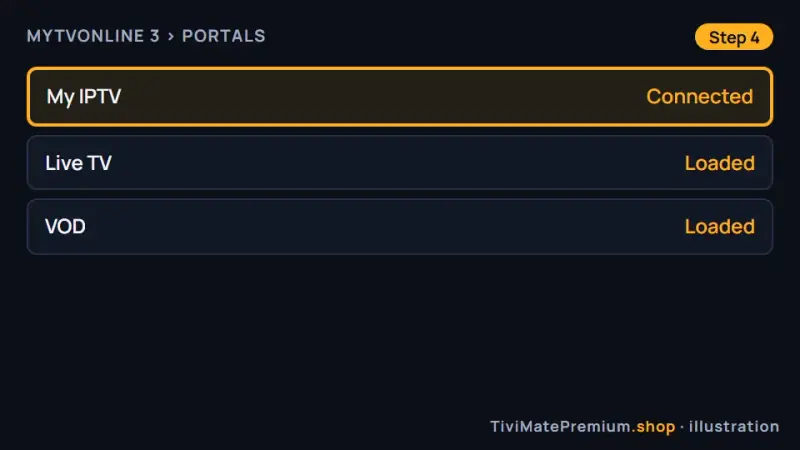
The saved portal connected in MyTVOnline 3 (illustration)
Set up TiviMate on Formuler
Free app. Premium is optional and sold by its developer.
Premium is optional: about $9.99 a year or $33.99 lifetime on US Google Play in October 2026, for up to 5 devices, paid to the developer. Check today's price in the Companion app or on the official site.
-
Step 1: Install TiviMate from Google Play
Formuler runs Android, so open Google Play, search for TiviMate and install it. If your model's store does not list it, use Downloader and the verified code below.
272483 Opens the official TiviMate download from files.tivimate.comPrefer to type an address? Use tivimate.com/download instead.
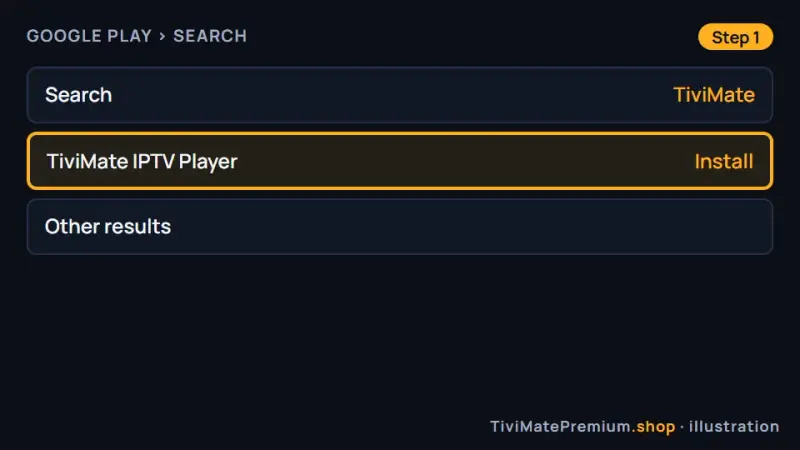
TiviMate ready to install from Google Play on Formuler (illustration) -
Step 2: Add the Xtream Codes playlist
Open TiviMate, choose Add playlist, then Xtream Codes, and enter the server URL, username and password from our message. Select Next and name the playlist.
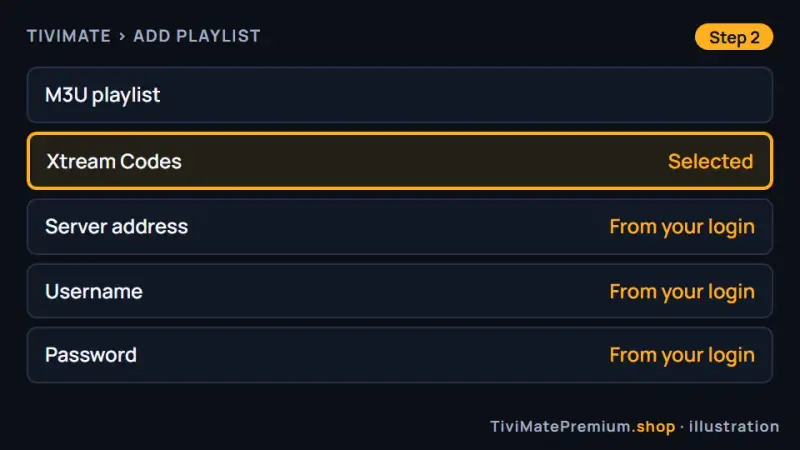
Xtream Codes selected in the TiviMate Add playlist screen (illustration) -
Step 3: Let the guide load and watch
Select Done, let the channel list and guide load for a minute, then open a channel. The free version plays everything; Premium is optional.
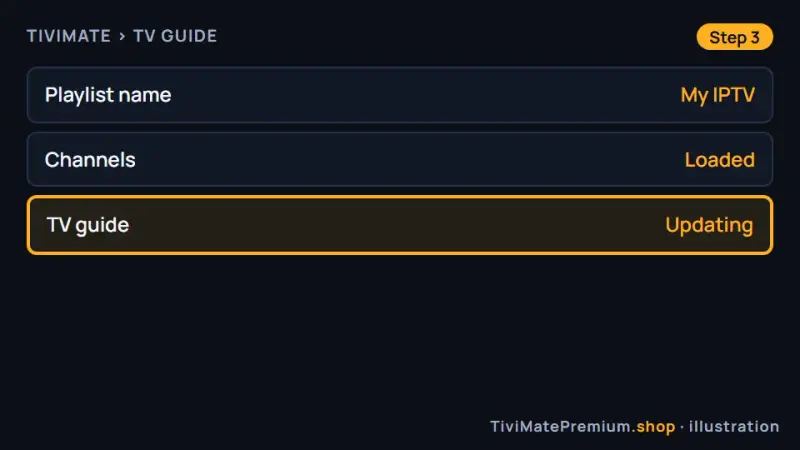
The TiviMate guide filling in on Formuler (illustration)
Set up MAC portal on Formuler
Uses your box's MAC address, no extra app.
-
Step 1: Find the MAC address
Open Settings, About and note the MAC address. It is also printed on the label under the box. Take a photo so every character is readable.
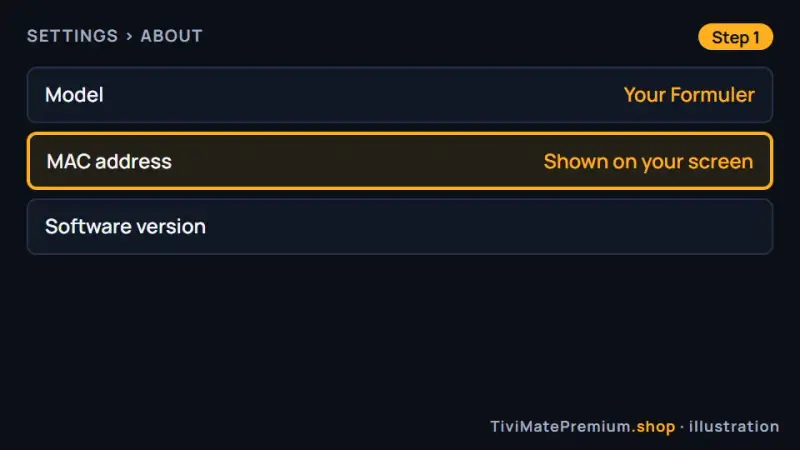
The MAC address in the Formuler About screen (illustration) -
Step 2: Send it to us on WhatsApp
Send us the MAC address and say it is a Formuler box. We register it against your plan and reply with the portal details, usually within minutes.
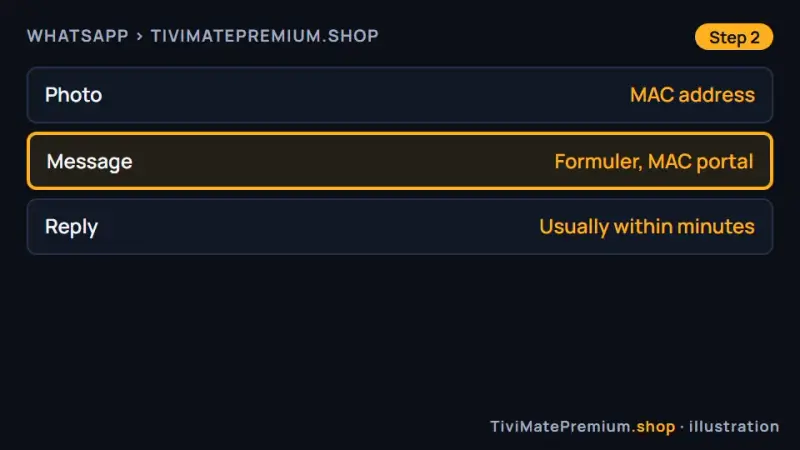
The Formuler MAC address sent to us on WhatsApp (illustration) -
Step 3: Enter the portal we send
In MyTVOnline 3, open Settings, Portal Settings, Add Portal and enter the portal URL from our reply. Save, connect, and your channels load.
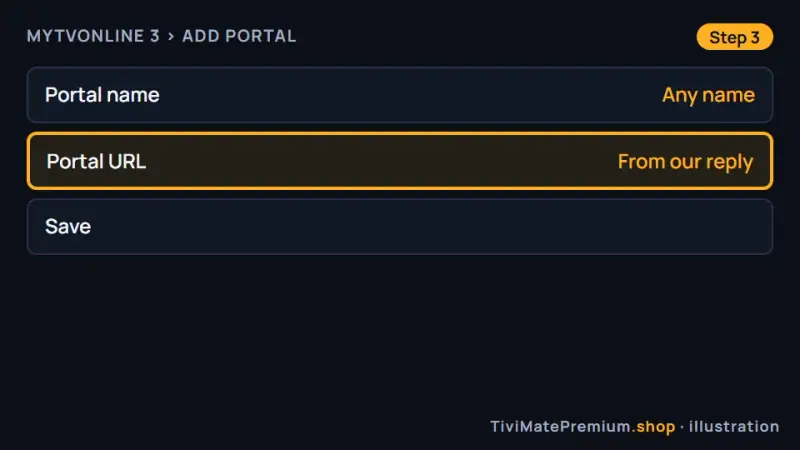
The portal URL entered in MyTVOnline 3 (illustration)
Which app should you pick?
For the simplest Formuler IPTV setup, use MyTVOnline 3: it is already on the box, takes the Xtream Codes login and needs no download. If you know TiviMate and want its guide layout and optional Premium features, install it from Google Play. The MAC portal suits people who prefer the classic portal method and do not want to type a login. All three use the same plan, so you can try each and keep the one you like.
Formuler IPTV setup on the Z and S series
Formuler designed its boxes around IPTV, with a remote laid out for live TV and MyTVOnline 3 preinstalled. Underneath, they run Android, which is why TiviMate works on them too. The steps in this guide are the same across the Z series and the S series. Menu names can differ slightly between firmware versions, so if a label does not match, look for the closest option in the same menu. Keep the box updated when it offers new firmware.
Using MyTVOnline 3 and TiviMate on one box
After your Formuler IPTV setup, you can keep both players on the same box and switch whenever you like. Your plan works in each, and they do not interfere. Many people use MyTVOnline 3 for quick channel surfing and TiviMate for its guide and, with Premium, recording. Add the login to each app once. Favorites are stored per app, so set them up in the one you use most. Our guide to adding a playlist in TiviMate covers the M3U option too.
Tip. Add the login to MyTVOnline 3 first. It needs no download, so you can check that your channels load in a few minutes, then add the same login in TiviMate and keep whichever player suits you.
Fixes for common Formuler IPTV setup problems
MyTVOnline says login failed
Compare the server URL, username and password with our message, character by character, and remove any space at the end. Check that the login type is Xtream Codes API and not a MAC portal. Most failed logins come from one mistyped letter in the server address.
The portal list is empty
Select the portal again and wait a minute while it loads the categories. If it stays empty, restart the box and reconnect. Still nothing? Message us on WhatsApp and we check your plan and the activation from our side, usually within the hour.
TiviMate is not in the store
Update the box software, then search Google Play again. If it is still missing, install Downloader and use the verified code 272483, which opens the developer's own file on files.tivimate.com. The app works the same whichever way you install it.
Warning. Install TiviMate only from Google Play or with the verified code 272483. Files from forums or video comments can be modified copies, and a so-called TiviMate Premium APK is a cracked app that can carry malware.
The picture buffers
Use Ethernet where you can, because the box handles 4K well when the network is steady. On Wi-Fi, use the 5 GHz band and keep the box away from the back of the TV. Lowering the stream to FHD or HD also helps when the line is busy.
Channels are in the wrong order
Use the app's sort, favorites and group options to arrange them. Channel order differs between players, so set it again if you switch from MyTVOnline 3 to TiviMate. Hiding groups you never watch also makes the list much shorter and quicker to browse.
The guide times are off
Set the correct time zone in the box settings first, then adjust the guide offset by one hour at a time in the player. Our TiviMate EPG guide shows where the time shift lives and how to refresh the guide after you change it.
Watching from the US, UK, Canada, France or Germany
A Formuler IPTV setup is identical in every country: the box software, MyTVOnline 3 and Google Play work the same way in the US, the UK, Canada, France and Germany. Only your internet speed and time zone differ, so set the guide time shift to your own zone. Our prices are in US dollars, so convert them before you compare us with a local provider quoting in CAD, GBP or EUR.
Need help? We'll set it up with you
Tell us on WhatsApp which option you chose and where you stopped, and we finish your Formuler IPTV setup with you. Using another Android device? See TiviMate on Android TV and Google TV or the TiviMate on Firestick guide.
Message us, and we guide you all the way to your first channel.
Daily support, usually within the hour.
Formuler FAQ
Does TiviMate work on Formuler?
Yes. Formuler boxes run Android, so TiviMate installs from Google Play, or with Downloader code 272483 if your store does not list it. Add the Xtream Codes login we send and the channels and guide load. The free version plays everything; Premium is optional and sold only by its developer.
What is MyTVOnline 3?
It is the player built into Formuler boxes. You add a portal with the Xtream Codes login, and the channels, categories, movies, series and guide load. It needs no download, which makes it the quickest Formuler IPTV setup. You can keep it alongside TiviMate on the same box and switch whenever you like.
Which is better, MyTVOnline 3 or TiviMate?
MyTVOnline 3 is simpler and already on the box. TiviMate has a different guide layout and optional Premium features such as recording and multi-view. Both use the same login, so you can try each. Favorites are stored per app, so set them up in the one you use most.
How do I find my Formuler MAC address?
Open Settings, then About. The MAC address is shown there and is also printed on the label under the box. Send it to us on WhatsApp if you want the MAC portal option. Take a photo so every character is readable, and we reply with the portal details, usually within minutes.
Can I use my login on a second Formuler box?
Yes, within the number of screens in your plan. A 1-device plan plays on one screen at a time, and 2-device or 3-device plans cover more. On the second box, add the same login in MyTVOnline 3 or TiviMate; nothing else changes. Compare them on our IPTV subscription prices page.
Your login is the last step. Choose your plan.
Plans from $4.16/mo · Billed once, no auto-renew · 7-day money-back