
IPTV on Samsung and LG smart TVs
By TiviMatePremium.shop · Updated 28 October 2026
IPTV on Samsung and LG smart TVs runs through a player from the TV's own app store, because TiviMate is not available on Tizen or webOS. Install IBO Player, ELK Player or Set IPTV, photograph the MAC address or Device ID it shows, send it to us on WhatsApp and we activate it. No typing needed.
In short
- IPTV on Samsung and LG needs a player from the TV's own store; sideloading cannot work.
- You send us the MAC address or Device ID the app shows, and we activate it.
- Smart TV too old for these apps? A Firestick in a spare HDMI port is the workaround.
| Device | Samsung (Tizen) and LG (webOS) |
|---|---|
| Time needed | About 10 minutes |
| Difficulty | Easy |
| Apps covered | IBO Player, ELK Player, Set IPTV |
| What you need | Your TV and a phone with WhatsApp |
Before you start
- Your Samsung or LG smart TV switched on and connected to your network.
- A stable connection: 25 Mbps or more for 4K.
- Your login from WhatsApp. No login yet? Compare our IPTV plans for TiviMate first; every plan works on these TVs too.
- About 10 minutes, with your phone nearby to photograph the screen.
Everything below is a one-time setup. After that, you just open the app.
Why Samsung and LG are different from a Fire Stick
Samsung smart TVs run Tizen and LG smart TVs run webOS. Both are closed systems: apps come only from the Samsung store or the LG Content Store, and there is no supported way to sideload an app file. Any guide that tells you to install Downloader on these TVs cannot work.
Warning. Skip any video or download that promises to sideload an app file onto a Samsung or LG TV. Install players only from the TV's own store, and check the listing first, because several apps use similar names to the players in this guide.
Activation works differently too. Instead of asking you to type a server address, the player identifies your TV by its MAC address or Device ID. You send that code to us, we link it to your plan, and the channels appear the next time you open the app. The upside: no long password typed with a remote. The trade-off: activation goes through us, usually within minutes. For IPTV on Samsung and LG this is the normal route, not a workaround.
Choose your app for IPTV on Samsung and LG
All three install from your smart TV's own store, and we activate them from the code they show.
Set up IBO Player on Samsung and LG smart TV
Free for 7 days, then a yearly or lifetime licence per device, paid to its developer.
iboplayer.com shows Samsung and LG webOS among its compatible devices. The app fee is separate from your plan with us.
-
Step 1: Open your TV's app store
Samsung: press Home, open Apps and select the search icon at the top right. LG: press Home and open the LG Content Store.
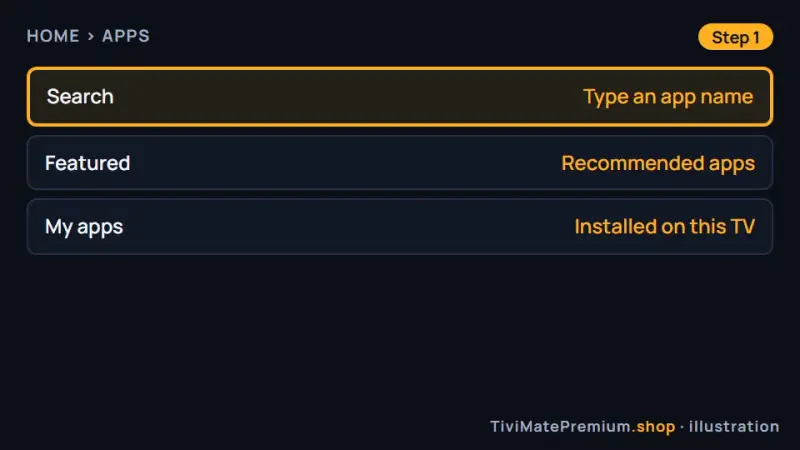
Step 1: the Samsung Apps screen, search at the top right (illustration) -
Step 2: Install IBO Player
Type IBO Player, open the result, select Install and then Open. Several apps use similar names, so pick the one whose listing points to iboplayer.com.
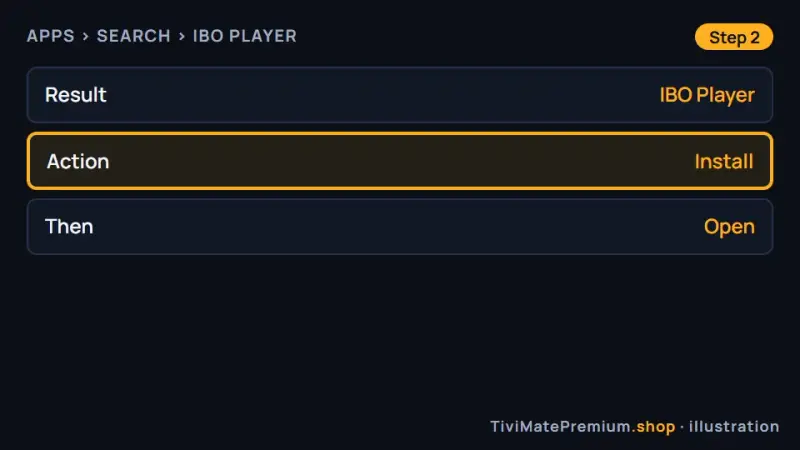
Step 2: installing IBO Player (illustration) -
Step 3: Photograph the MAC address and Device Key
The first screen shows a MAC address or Device ID, and a Device Key. Take a clear photo with your phone.
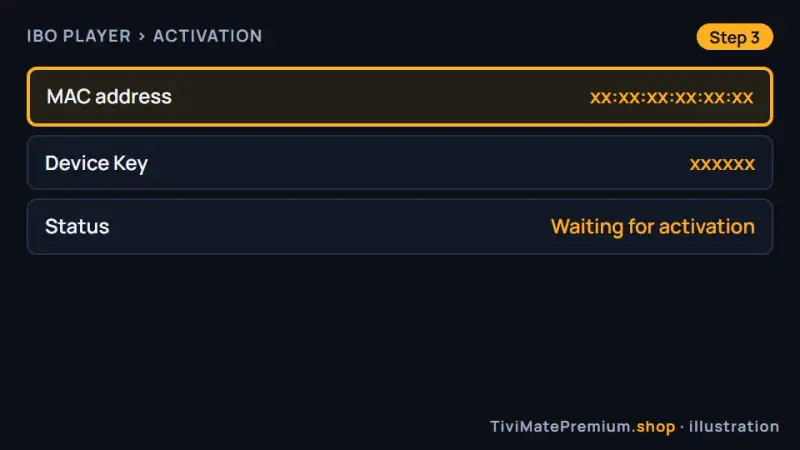
Step 3: the codes you send us (illustration) -
Step 4: Send the photo to us on WhatsApp
Say it comes from IBO Player. We link the code to your plan and reply when it is active, usually within minutes.
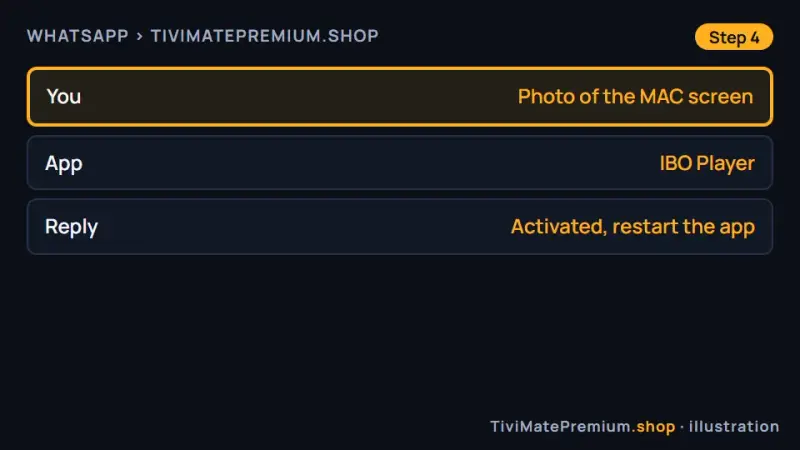
Step 4: one photo on WhatsApp (illustration) -
Step 5: Restart the app and watch
Close IBO Player fully and open it again. If the list is empty, wait a minute and restart once more.
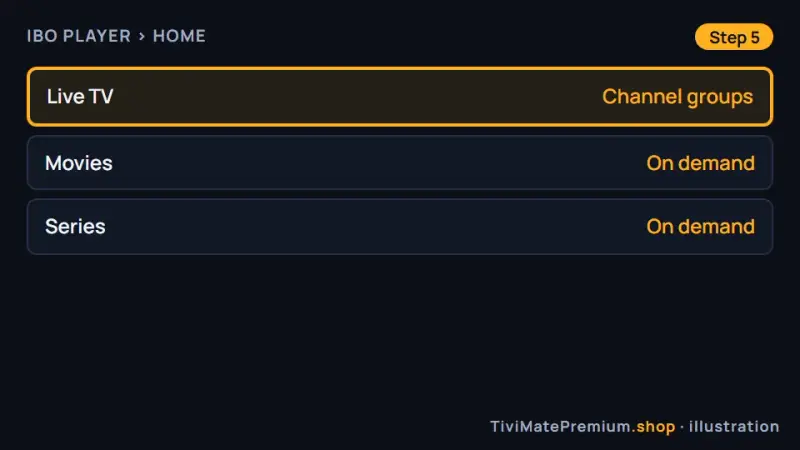
Step 5: IPTV on Samsung TV, Live TV ready (illustration)
Set up ELK Player on Samsung and LG smart TV
Free for 14 days, then a one-time fee per device, paid to its developer.
The closest alternative when IBO Player is not in your store.
-
Step 1: Search your TV's store
Press Home. Samsung: Apps, then the search icon. LG: the LG Content Store and its search field.
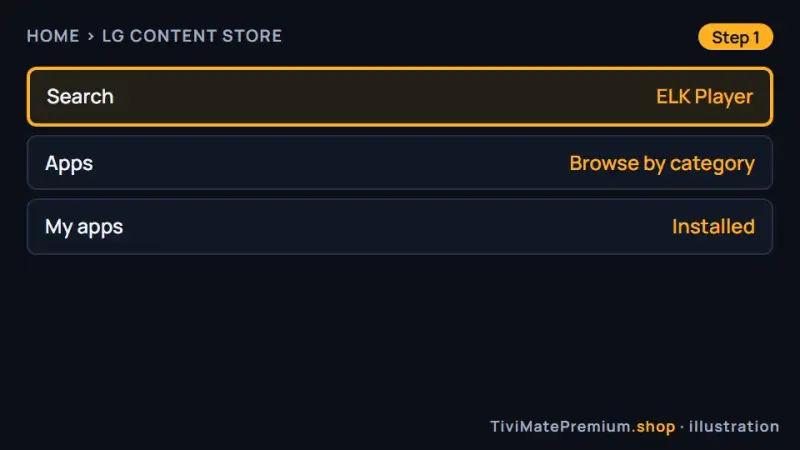
Step 1: search in the LG Content Store (illustration) -
Step 2: Install ELK Player
Select ELK Player, choose Install and open it when the download ends.
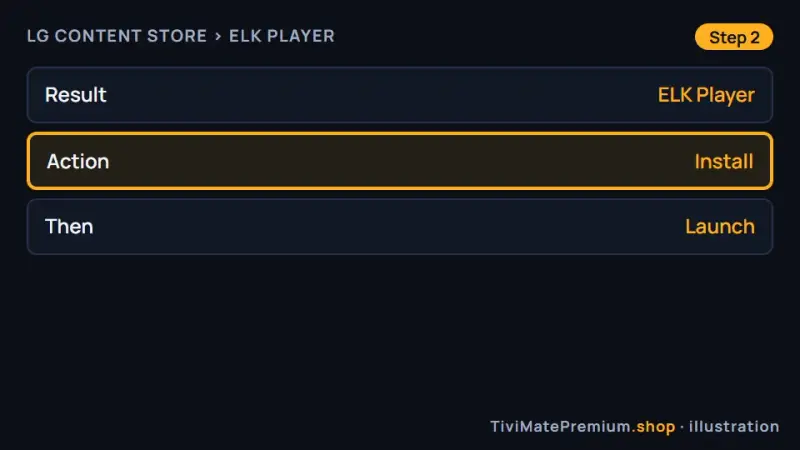
Step 2: installing ELK Player (illustration) -
Step 3: Read the Device ID on screen
ELK Player opens on a screen with your MAC address or Device ID. Photograph the whole code.
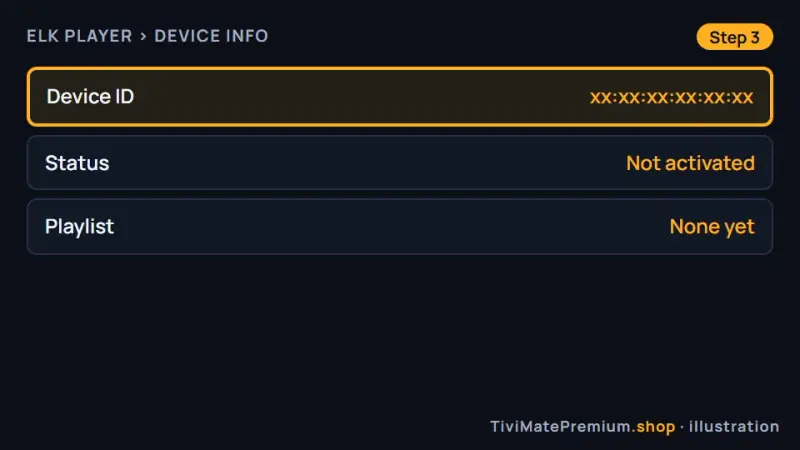
Step 3: the ELK Player Device ID (illustration) -
Step 4: Send it to us on WhatsApp
Send the photo and mention ELK Player. We activate it and confirm in the chat.
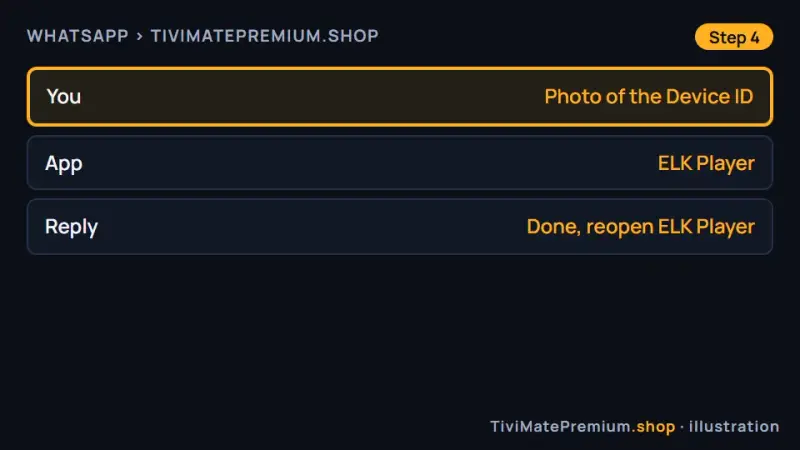
Step 4: the code on WhatsApp (illustration) -
Step 5: Reopen and watch
Close ELK Player completely and open it again. The channel list appears.
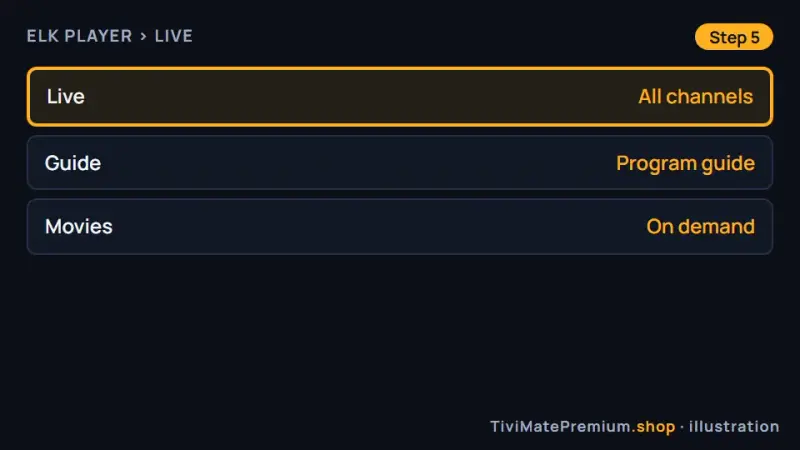
Step 5: IPTV on LG TV, channels loaded (illustration)
Set up Set IPTV on Samsung and LG smart TV
Activation goes through us, from the MAC address your smart TV shows.
-
Step 1: Find Set IPTV in the store
Open Apps on Samsung or the LG Content Store on LG and search for Set IPTV.
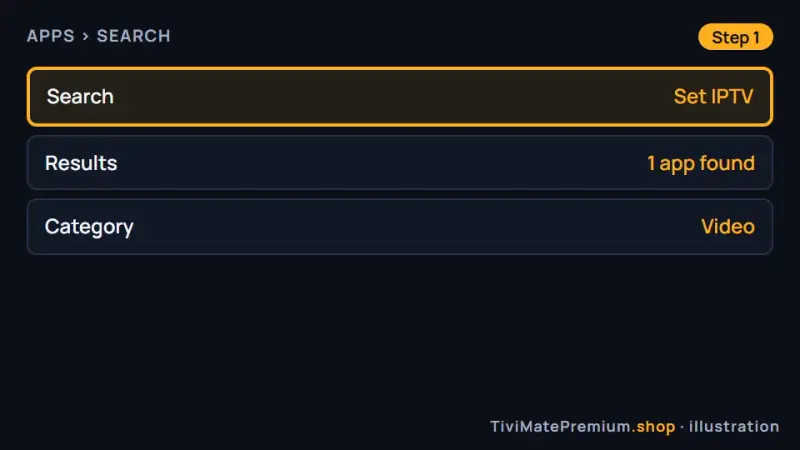
Step 1: searching for Set IPTV (illustration) -
Step 2: Install and open it
Select Install, wait for the download and select Open.
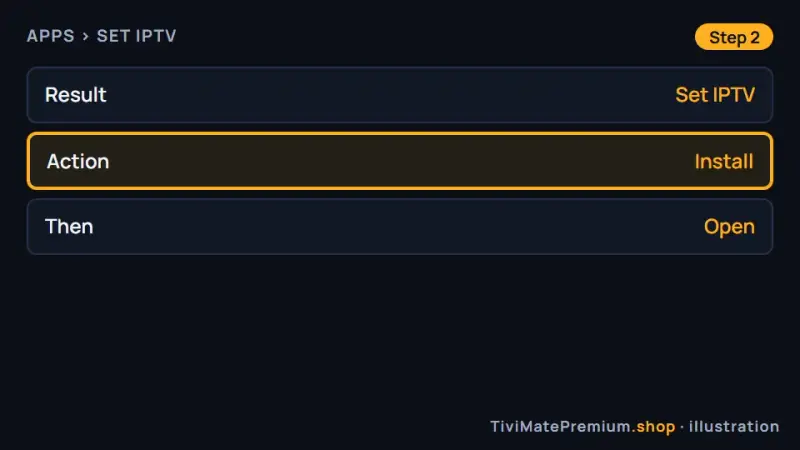
Step 2: installing Set IPTV (illustration) -
Step 3: Note the MAC address
Set IPTV shows the TV's MAC address on its first screen. Photograph it.
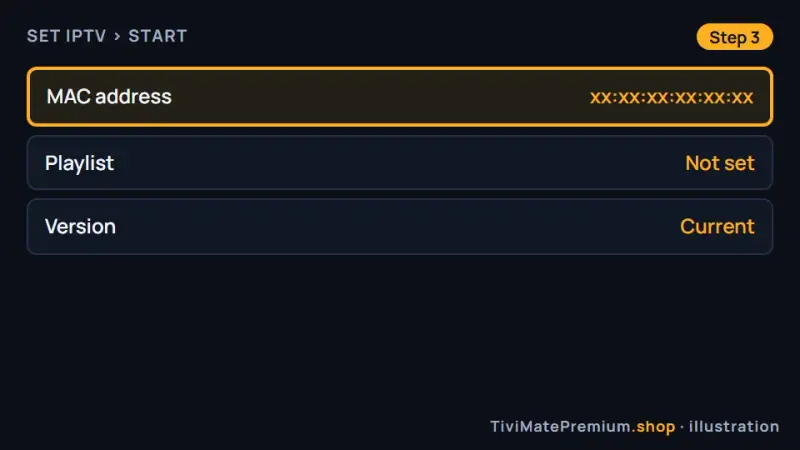
Step 3: the MAC address in Set IPTV (illustration) -
Step 4: Send the MAC to us
Message the photo on WhatsApp and say it is for Set IPTV. We tell you when it is ready.
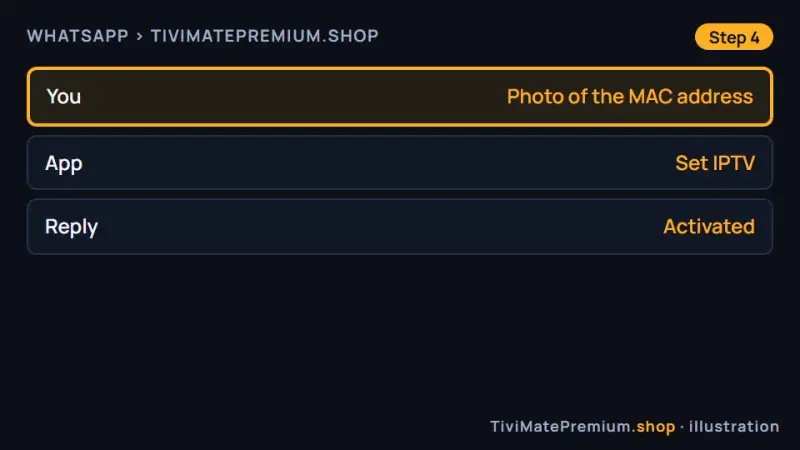
Step 4: the MAC address on its way to us (illustration) -
Step 5: Restart Set IPTV
Close the app fully and open it again. Your channels load.
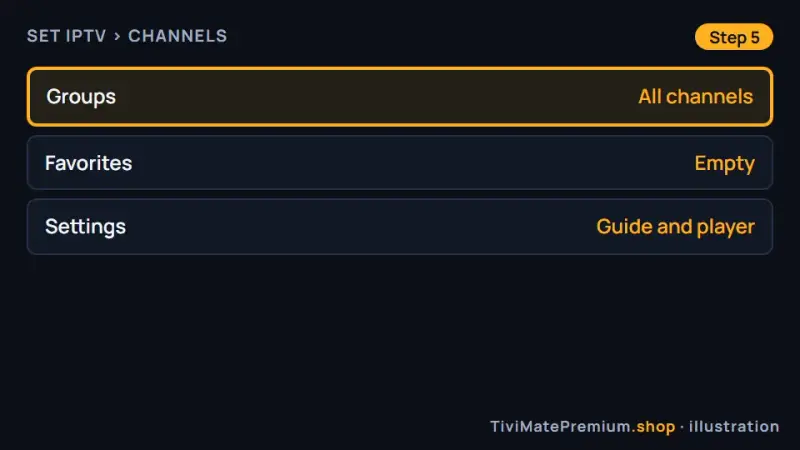
Step 5: Set IPTV with channels loaded (illustration)
Which app should you pick?
Start with IBO Player: it is listed on both brands and has a clear, remote-friendly layout. If your store does not show it, ELK Player is the closest alternative and works the same way. Set IPTV is a sound third choice. Pick the first one your smart TV lists; our comparison of the best IPTV player apps covers each in more depth.
IPTV on Samsung TV: where the apps are
For IPTV on Samsung TV models, press Home on the remote and scroll to Apps. The search icon, a magnifying glass, sits in the top right corner of the Apps screen. Type the player name and open the result to install it. Samsung lists apps by model year and region, so two TVs can show different results for the same search.
IPTV on LG TV: the LG Content Store
For IPTV on LG TV models, press Home and open the LG Content Store from the launcher bar. The search field is at the top of the store; on some webOS versions it is a magnifying glass on the right. Type the player name and select Install. The webOS version of your model year decides which players appear.
Older TV, or app not in the store?
App availability depends on the model year. If none of the three players appears on your smart TV, plug a Fire TV Stick into a spare HDMI port instead. It runs TiviMate with a full guide and quicker menus. Our Firestick setup guide covers it from the box onward, the Apple TV guide is the Apple alternative, and our setup guides for every device cover the rest.
Troubleshooting
The app isn't in my TV's store
Store lists for IPTV on Samsung and LG depend on model year and region, so one TV may show IBO Player while another does not. Search for the other two players first. If none of them appears, a Fire TV Stick on a spare HDMI port avoids the store limit completely.
The app opens but shows nothing
First confirm that we have activated your MAC address or Device ID; our WhatsApp reply says so. Then close the app fully, not just with Back, switch the smart TV off and on, and open the app again. Give the channel list a minute to load.
Buffering on 4K
TV processors are slower than a streaming box, and 4K pushes them hard. Choose the FHD version first. If your TV has an Ethernet port, use a cable instead of Wi-Fi. A steady 25 Mbps matters more than a high peak speed.
The program guide is empty
A fresh activation needs a few minutes to build the guide. Wait, then force a guide refresh in the app settings and restart the app. Our TiviMate EPG guide explains how guide data works in any player, including this one.
It stopped after a TV software update
A firmware update can change the MAC address or Device ID the app reports, so our side no longer recognizes the TV. Open the app, read the code on the first screen and compare it with the one you sent. If it changed, send us the new one.
Tip. Keep the photo of your MAC address or Device ID on your phone after activation. If a TV software update or a reset ever stops the channels, you can compare the code at a glance and send us the new one on WhatsApp.
The remote is slow inside the app
A full memory makes every menu lag. Close the other apps, then unplug the TV from the wall for one minute. That clears the memory, and the player usually responds normally again.
Watching from the US, UK, Canada, France or Germany
Setting up IPTV on Samsung and LG smart TVs is identical in all five countries, because Tizen, webOS and their stores work the same way everywhere. Our prices are in US dollars: convert them before you compare with a local provider quoting in CAD, GBP or EUR. After activation, set the guide time shift in the app to your own time zone.
Need help? We'll set it up with you
Send us a photo of the screen where you stopped and tell us your TV brand. We guide you until the first channel plays.
Message us, and we guide you all the way to your first channel.
Daily support, usually within the hour.
Samsung and LG smart TV FAQ
Can I install TiviMate on a Samsung or LG TV?
No. TiviMate is an Android app and is not available on Tizen or webOS. Use IBO Player, ELK Player or Set IPTV from your TV's store, which we activate from the code they show. For TiviMate itself, add a Fire TV Stick.
Why do you need my TV's MAC address?
These players tie activation to the TV itself, not to a typed login. The MAC address or Device ID lets us link your plan to that TV from our side, so you never type a password with the remote. Our WhatsApp reply confirms when the code is active, usually within minutes.
Do I pay anything for the app?
IBO Player and ELK Player are free for a short period, then charge their own fee per device, paid to their developers. That fee is separate from your plan with us. Set IPTV is activated through us from the MAC address your TV shows. Check each app's current fee with its developer before the free period ends.
Does IPTV on Samsung work on older models?
It depends on the model year, because each store lists apps by Tizen or webOS version. Search for all three players first. If none appears, a Fire TV Stick in a spare HDMI port gives you the same channels. It runs TiviMate with a full guide and quicker menus.
Can I use one plan on my smart TV and my phone?
Each screen that plays at the same time counts as one device. A 2-device or 3-device plan lets the TV and a phone play together. The phone uses a player with your typed login, while the TV app is activated from its MAC address or Device ID. You choose the device count when you compare plans and prices.
Your login is the last step. Choose your plan.
Plans from $4.16/mo · Billed once, no auto-renew · 7-day money-back