
IPTV on Apple TV: Apps and Step-by-Step Setup
By TiviMatePremium.shop · Updated 28 October 2026
TiviMate is not available on tvOS, so IPTV on Apple TV runs through another player from the App Store. Install IBO Player or ELK Player and send us the Device ID and Key, or install Smarters Player Lite or UHF and type the Xtream Codes login we send. Setup takes about 5 minutes.
In short
- tvOS has no TiviMate, but four good players accept the same login.
- We activate IBO Player and ELK Player from the Device ID and Key, so you type nothing.
- Smarters Player Lite and UHF are free; type the login with your iPhone as the keyboard.
| Device | Apple TV HD and Apple TV 4K (tvOS) |
|---|---|
| Time needed | About 5 minutes |
| Difficulty | Easy |
| Apps covered | IBO Player, ELK Player, Smarters Player Lite, UHF |
| What you need | Your login from WhatsApp |
Before you start
Setting up IPTV on Apple TV is quick when these four things are ready.
- The box connected to your TV, on the latest tvOS and signed in to the App Store.
- A stable connection: Ethernet or strong Wi-Fi, and 25 Mbps or more for 4K.
- Your login from WhatsApp: server URL, username, password and the M3U link. No login yet? Compare our IPTV plans for TiviMate and other players; the login arrives within minutes of your order.
- About 10 minutes, and your iPhone nearby if you want to type faster.
Everything below is a one-time setup. After that, you just open the app. Guides for your other screens are in the setup guides hub.
Choose your app
Four players handle IPTV on Apple TV. We activate IBO Player and ELK Player; Smarters Player Lite and UHF take a login you type in.
Set up IBO Player on Apple TV
Free for 7 days, then a yearly or lifetime licence per device, paid to its developer, bought as an in-app purchase.
-
Step 1: Install IBO Player
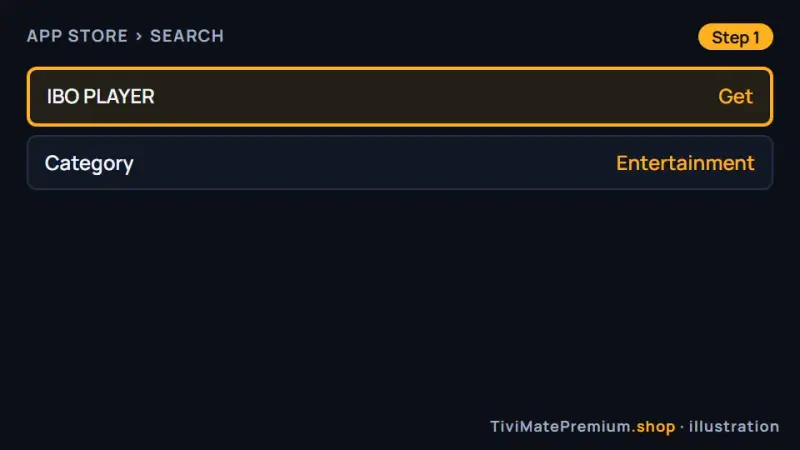
Open the App Store on the box, search for IBO PLAYER and select Get on the listing linked below, which you can also open on your iPhone to check it is the right one. Install only the listing linked here; look-alike IPTV apps exist on the App Store.
Install IBO Player for IPTV on Apple TV (illustration) -
Step 2: Note the Device ID and Key
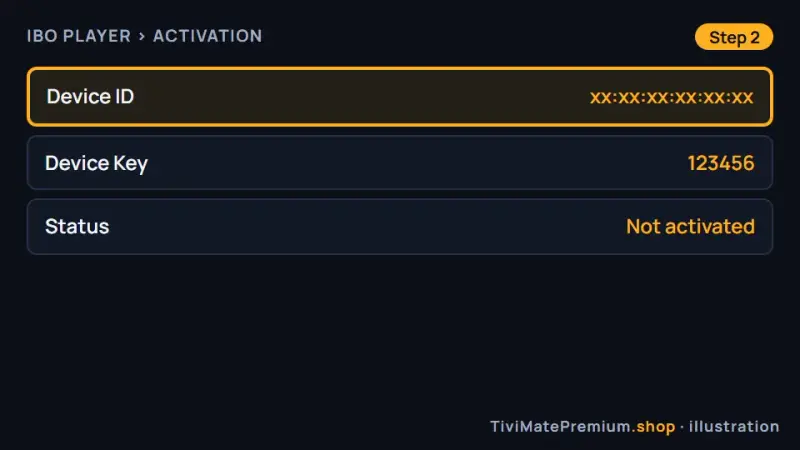
Open the app. The first screen shows a Device ID and a Key. Take a photo of the TV screen with your phone.
Photograph the Device ID and Key on your TV (illustration) -
Step 3: Send it to us on WhatsApp
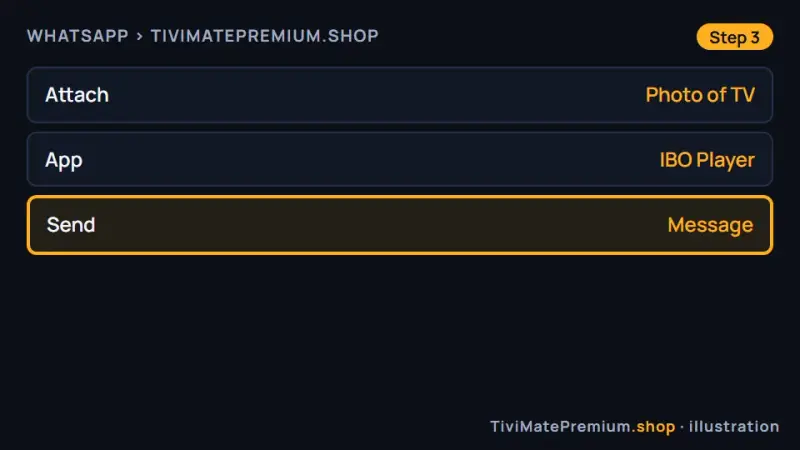
Send us the photo and say it comes from IBO Player on tvOS. We link the device to your plan and confirm, usually within minutes.
Send the Device ID and Key to us on WhatsApp (illustration) -
Step 4: Reopen the app and watch
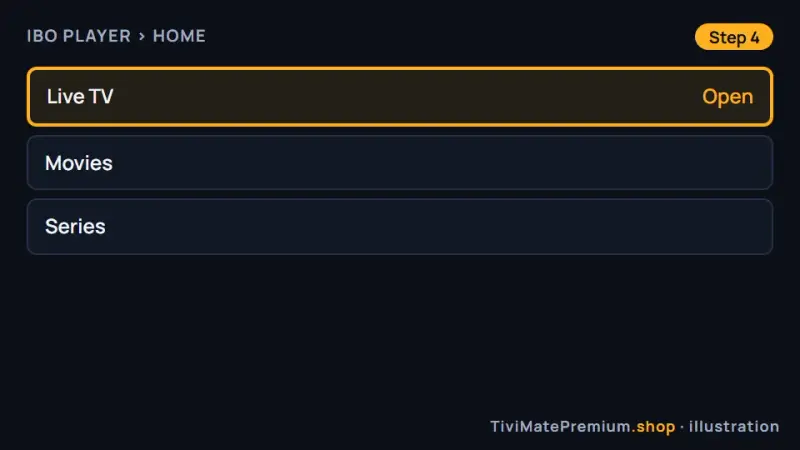
Close the app from the app switcher, open it again and your channels appear. If the list is empty, wait a minute and reopen it.
Reopen IBO Player and choose Live TV (illustration)
Set up ELK Player on Apple TV
Free for 14 days, then a one-time fee per device, paid to its developer.
-
Step 1: Install ELK Player
Open the App Store on the box, search for ELK Player and select Get.
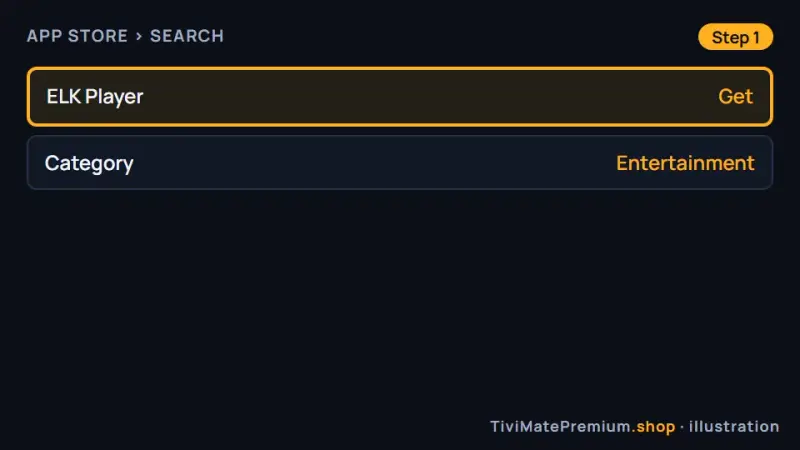
Install ELK Player from the tvOS App Store (illustration) -
Step 2: Note the Device ID and Key
Open ELK Player and photograph the Device ID and Key on its first screen.
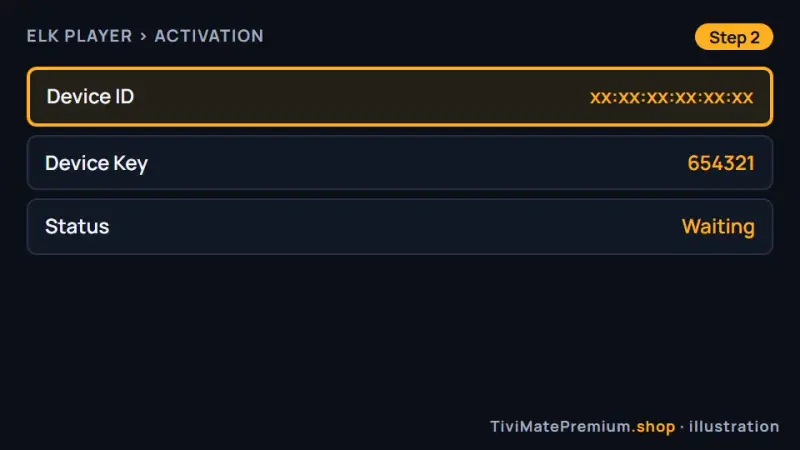
Photograph the Device ID and Key shown by ELK Player (illustration) -
Step 3: Send it to us on WhatsApp
Send the photo and name the app. We activate it on your plan and tell you when it is ready.
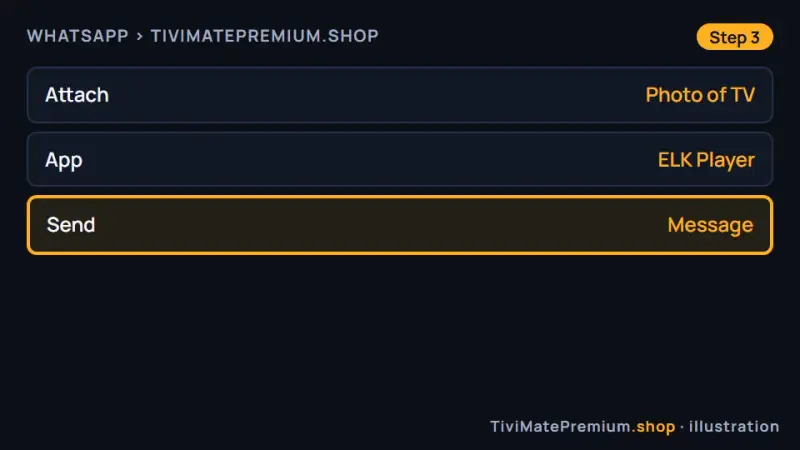
Send the ELK Player details to us on WhatsApp (illustration) -
Step 4: Reopen the app and watch
Close ELK Player from the app switcher, open it again and pick a channel.
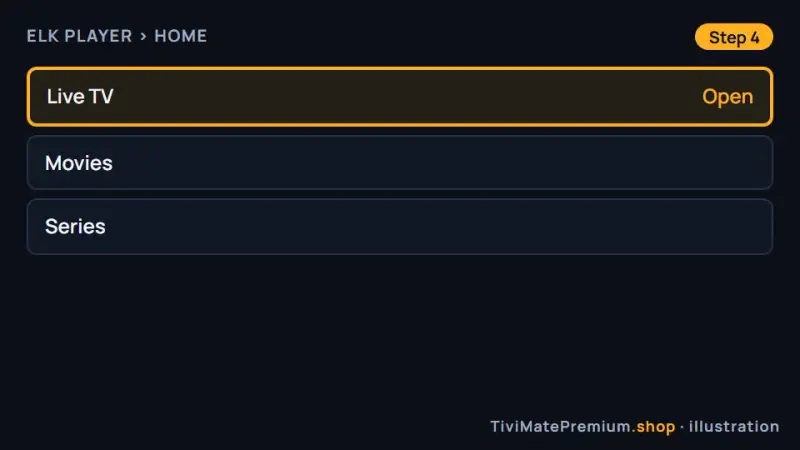
Reopen ELK Player and start watching (illustration)
Set up Smarters Player Lite on Apple TV
Free. This is the App Store listing of IPTV Smarters.
-
Step 1: Install Smarters Player Lite
On the box, search the App Store for Smarters Player Lite and select Get. The link below shows the official listing.
Smarters Player Lite on the App Store
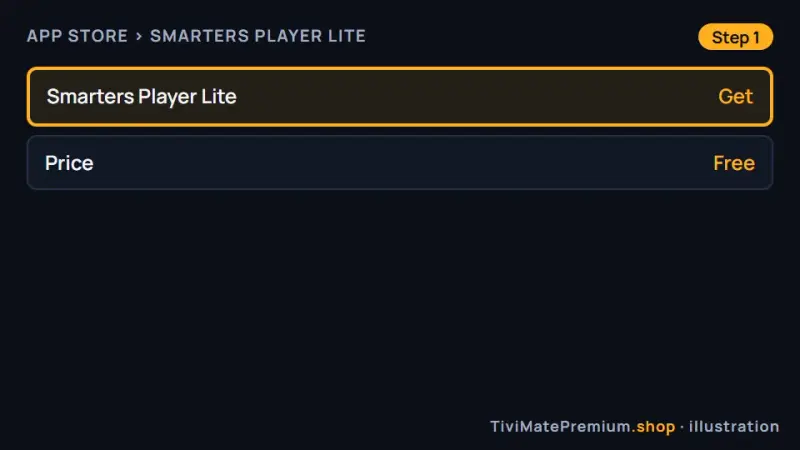
Install Smarters Player Lite on tvOS (illustration) -
Step 2: Choose Login with Xtream Codes API
Open the app, accept the terms and pick Login with Xtream Codes API.
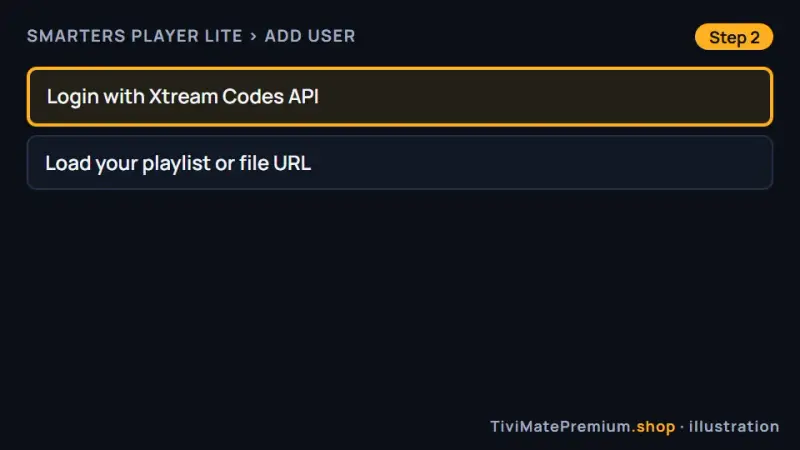
Pick the Xtream Codes API login type (illustration) -
Step 3: Enter your login and add the user
Type any name, then the username, password and server URL from our message, using your iPhone as the keyboard. Select Add user.
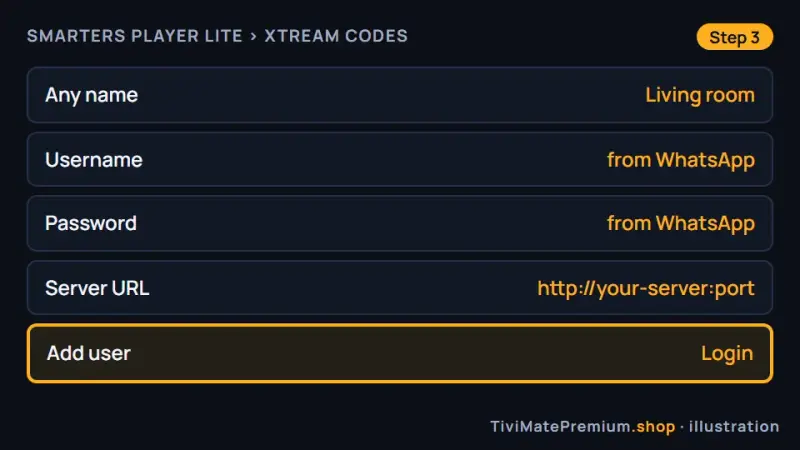
Add your login to Smarters Player Lite for IPTV on Apple TV (illustration)
Set up UHF on Apple TV
Free, with an optional Pro plan paid to its developer.
-
Step 1: Install UHF
On the box, search the App Store for UHF and select Get. The link below shows the official listing.
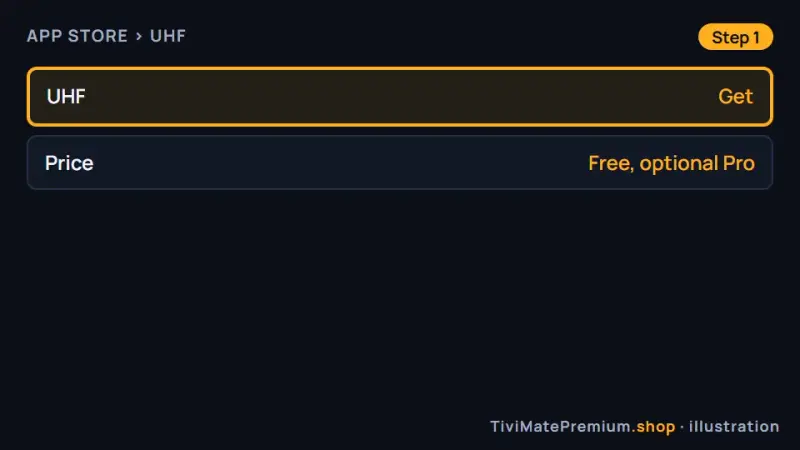
Install UHF from the tvOS App Store (illustration) -
Step 2: Add a playlist
Open UHF, select Add playlist and choose Xtream Codes, or M3U if you prefer the single link. The steps match the iPhone version.
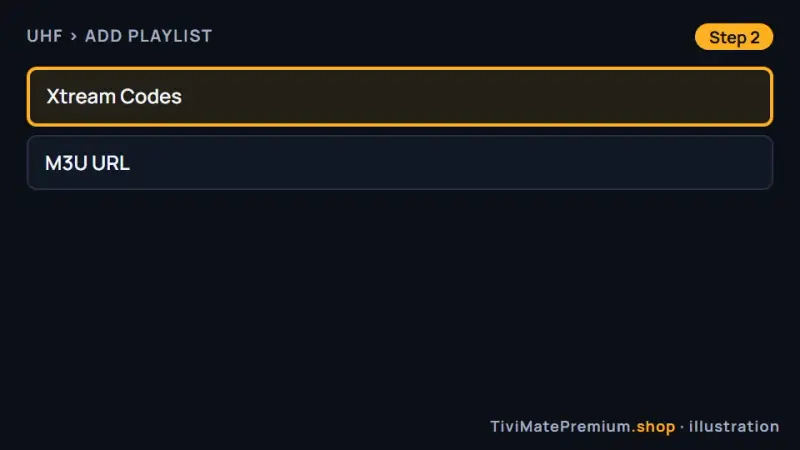
Add a playlist in UHF and choose Xtream Codes (illustration) -
Step 3: Enter your login and save
Enter the server URL, username and password from our message, select Save and wait while the channels and guide load.
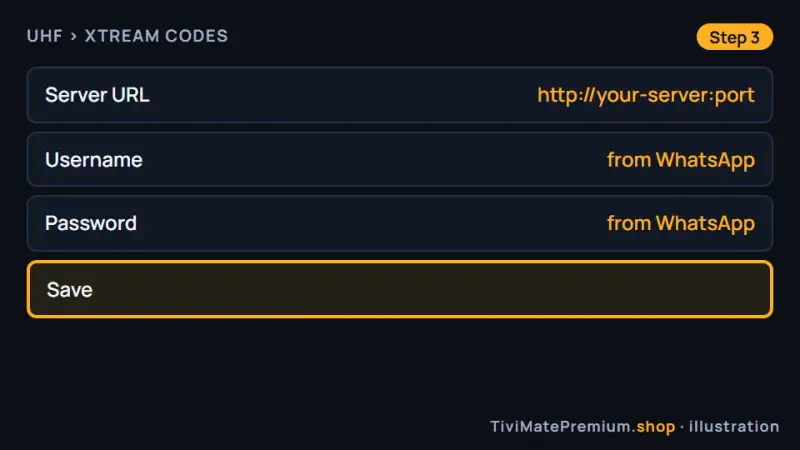
Enter your login in UHF and save it (illustration)
Which app should you pick for IPTV on Apple TV?
Typing a long password with the Siri Remote is slow, which is why IBO Player is our first suggestion: we activate it from the Device ID and Key. If you are happy to type the login once with your iPhone as the keyboard, Smarters Player Lite and UHF are free. UHF tends to feel the most at home on tvOS, and ELK Player is a solid alternative with a different layout. Our guide to the best IPTV player apps compares them in detail.
Apple TV settings for smooth IPTV
A few settings make a clear difference to picture quality. Open Settings, then Video and Audio, then Match Content, and switch on both Match Dynamic Range and Match Frame Rate. The box then follows the frame rate and dynamic range of each stream, which removes the judder you can see on slow camera pans and sports.
Use Ethernet when your model has a port; the Wi-Fi only Apple TV 4K from 2022 does not. Keep tvOS and your player up to date, and restart the box from Settings, System, Restart if streams start to stutter. When a channel looks soft, try another channel first, because source quality varies.
Tip. Type faster with your iPhone: when a text field appears on the TV, a keyboard notification shows on your nearby iPhone. Tap it and type or paste the login on the phone.
Troubleshooting IPTV on Apple TV
The app is not in the App Store
Search for the exact name, and remember that IPTV Smarters is listed as Smarters Player Lite. Some apps are not offered in every App Store region, so check the country of your Apple ID. A few iPhone apps have no tvOS version at all, but the four in this guide do.
Typing the login is slow
Use the keyboard notification on your iPhone, or open the Apple TV Remote in Control Center and type there. You can also copy the details from our WhatsApp message on the phone and paste them, which avoids the typos that cause most rejected logins.
The picture stutters in 4K
Connect the box by Ethernet if it has a port, or move the router closer. Set the player to FHD for a few days and see whether the stutter stops. If it does, your Wi-Fi is the limit, and a wired connection or a mesh point will fix 4K.
The app shows nothing after activation
Double-press the TV button to open the app switcher, swipe the player away, open it again and wait a minute. Activation only applies on the next start. If the list is still empty, message us on WhatsApp with the Device ID so we can check it.
The audio is out of sync
Change channel once to reset the stream. If you use a soundbar or AirPlay speakers, run Wireless Audio Sync in Settings, Video and Audio, with your iPhone held near the TV. Some players also offer an audio delay setting in their menu.
The app crashes after a tvOS update
Update the player from the App Store, then restart the box from Settings, System, Restart. Developers usually release fixes shortly after a tvOS update. If IBO Player or ELK Player shows a new Device ID afterwards, send it to us on WhatsApp and we move your activation.
Watching from the US, UK, Canada, France or Germany
The setup is identical in all five countries, because tvOS and the App Store behave the same way everywhere. Our prices are in US dollars on every page, so convert them first if you compare us with a local provider quoting in CAD, GBP or EUR. Once the app is running, set the TV guide time shift to your own time zone so the schedule matches.
Need help? We'll set it up with you
Tell us your model and the app you picked on WhatsApp, and we walk you to your first channel. Testing on your phone first? Use the iPhone and iPad guide.
Message us, and we guide you all the way to your first channel.
Daily support, usually within the hour.
Apple TV FAQ
Is TiviMate available on Apple TV?
No. TiviMate is built for Android, so it does not run on tvOS, and TiviMate Premium cannot be used there either. For IPTV on Apple TV, use IBO Player, ELK Player, Smarters Player Lite or UHF, which all accept the same login.
Which app is the easiest for IPTV on Apple TV?
IBO Player has the quickest setup, because we activate it from the Device ID and Key and you type nothing on the remote. Smarters Player Lite and UHF are free and need only your login, typed once with your iPhone as the keyboard.
Do I pay for these apps?
Smarters Player Lite and UHF are free, and UHF has an optional Pro plan. IBO Player and ELK Player are free for a short period, then charge their own fee per device. Any app fee is paid to its developer, separate from your plan.
Does IPTV on Apple TV work in 4K?
Yes. Your plan streams in 4K, FHD and HD, and the 4K model plays them well on a steady connection of 25 Mbps or more. Switch on Match Content in the video settings so each stream shows at its native frame rate.
Can I use the same login on my iPhone and the TV?
Yes, within the number of devices in your plan. A 2-device plan streams on two screens at the same time, for example the box in the living room and your iPhone. Add the same login in a player on each screen. If you use IBO Player or ELK Player on both, send us each Device ID and Key, because those apps are activated per device.
Your login is the last step. Choose your plan.
Plans from $4.16/mo · Billed once, no auto-renew · 7-day money-back