
IPTV on iPhone and iPad: Apps and Setup
By TiviMatePremium.shop · Updated 28 October 2026
TiviMate is not available on iOS, so IPTV on iPhone and iPad runs through another player. Install IBO Player or ELK Player from the App Store and send us the Device ID and Key, or install Smarters Player Lite or UHF and type the Xtream Codes login we send. Setup takes about 5 minutes.
In short
- TiviMate does not run on iOS or iPadOS, but four good players accept the same login.
- We activate IBO Player and ELK Player for you from the Device ID and Key.
- Smarters Player Lite and UHF are free and take the login you type in.
| Device | iPhone and iPad (iOS and iPadOS) |
|---|---|
| Time needed | About 5 minutes |
| Difficulty | Easy |
| Apps covered | IBO Player, ELK Player, Smarters Player Lite, UHF |
| What you need | Your login from WhatsApp |
Before you start
Setting up IPTV on iPhone goes faster when these four things are ready.
- Your iPhone or iPad, up to date and signed in to the App Store.
- A stable connection: Wi-Fi is best, and 25 Mbps or more if you want 4K.
- Your login from WhatsApp: server URL, username, password and the M3U link. No login yet? Compare our IPTV plans for TiviMate and other players; the login arrives within minutes of your order.
- About 10 minutes, including the download.
Everything below is a one-time setup. After that, you just open the app. Guides for your other screens are in the setup guides hub.
Choose your app
Four players handle IPTV on iPhone and iPad. We activate IBO Player and ELK Player; Smarters Player Lite and UHF take a login you type in.
Set up IBO Player on iPhone and iPad
Free for 7 days, then a yearly or lifetime licence per device, paid to its developer, bought as an in-app purchase.
-
Step 1: Install IBO Player
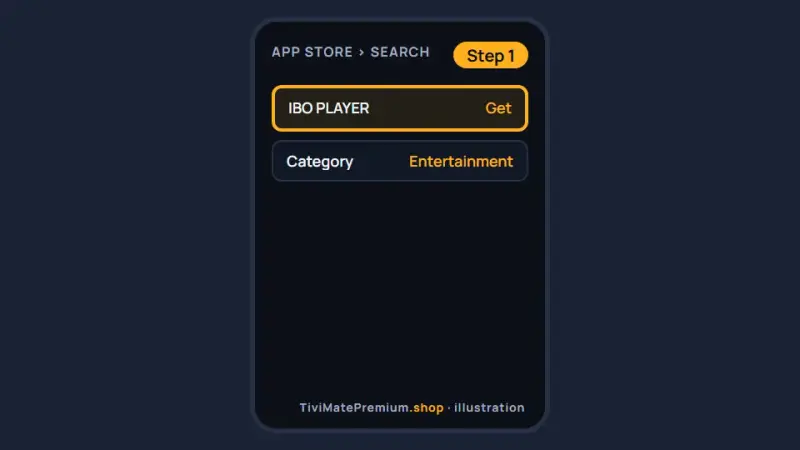
Open the App Store listing below on your iPhone or iPad, where it appears as IBO PLAYER, and tap Get. Install only the listing linked here; look-alike IPTV apps exist on the App Store.
Install IBO Player for IPTV on iPhone and iPad (illustration) -
Step 2: Note the Device ID and Key
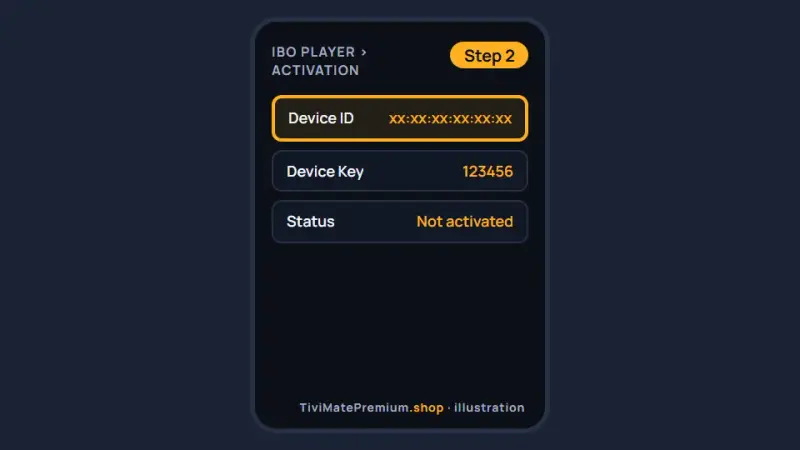
Open the app. The first screen shows a Device ID and a Key. Take a screenshot with the side and volume-up buttons.
Screenshot the Device ID and Key shown by IBO Player (illustration) -
Step 3: Send it to us on WhatsApp
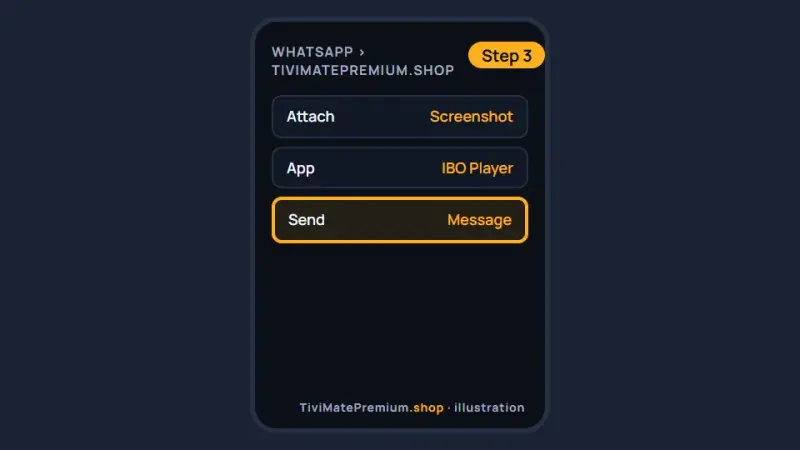
Send us the screenshot and say it comes from IBO Player. We link the device to your plan and confirm, usually within minutes.
Send the Device ID and Key to us on WhatsApp (illustration) -
Step 4: Reopen the app and watch
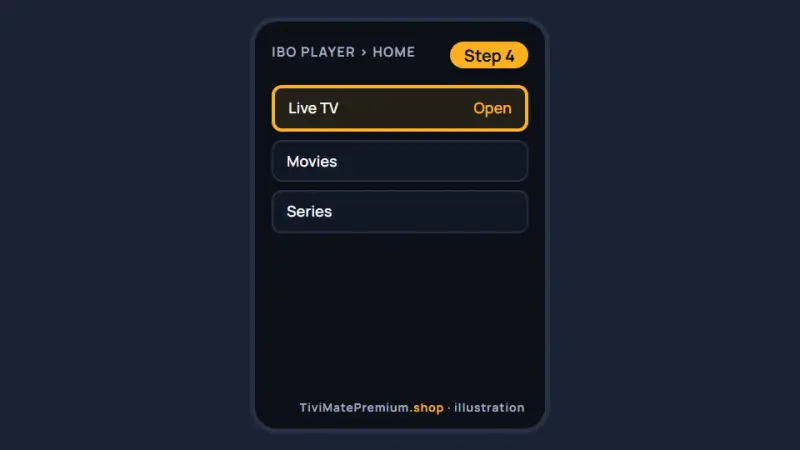
Swipe the app away in the app switcher, open it again and your channels appear. If the list is empty, wait a minute and reopen it.
Reopen IBO Player and choose Live TV (illustration)
Set up ELK Player on iPhone and iPad
Free for 14 days, then a one-time fee per device, paid to its developer.
-
Step 1: Install ELK Player
Open the App Store, search for ELK Player and tap Get.
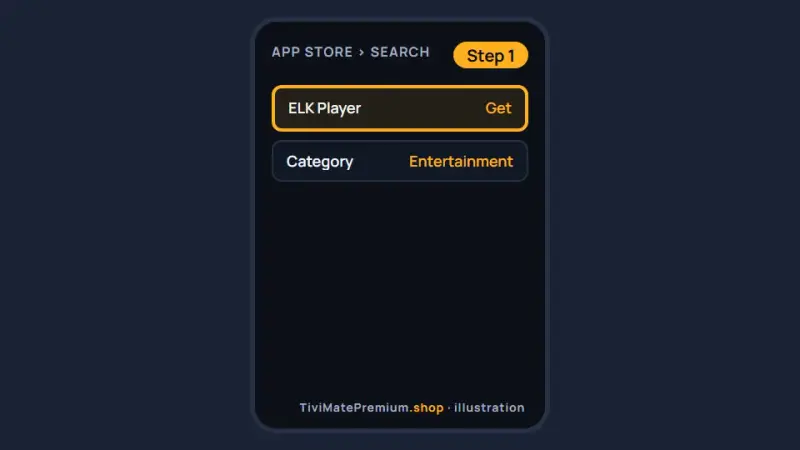
Install ELK Player from the App Store (illustration) -
Step 2: Note the Device ID and Key
Open ELK Player and screenshot the Device ID and Key on its first screen.
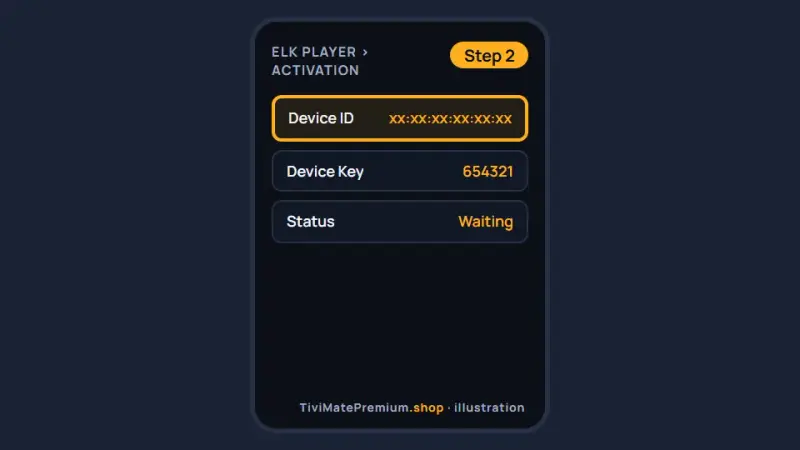
Screenshot the Device ID and Key shown by ELK Player (illustration) -
Step 3: Send it to us on WhatsApp
Send the screenshot and name the app. We activate it on your plan and tell you when it is ready.
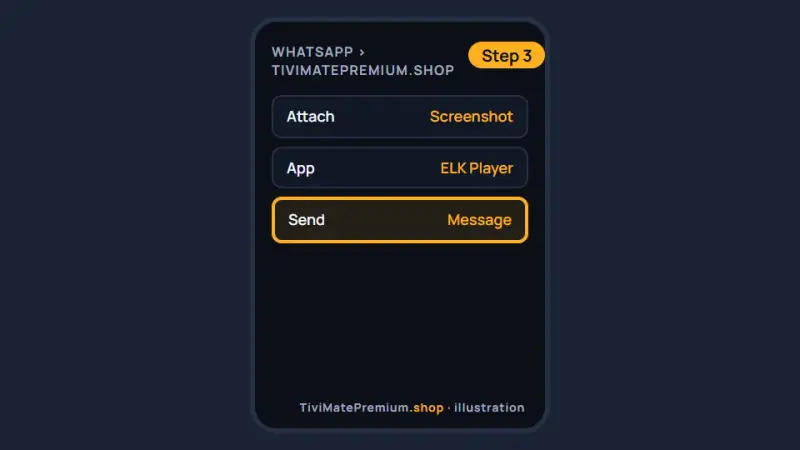
Send the ELK Player details to us on WhatsApp (illustration) -
Step 4: Reopen the app and watch
Close ELK Player from the app switcher, open it again and pick a channel.
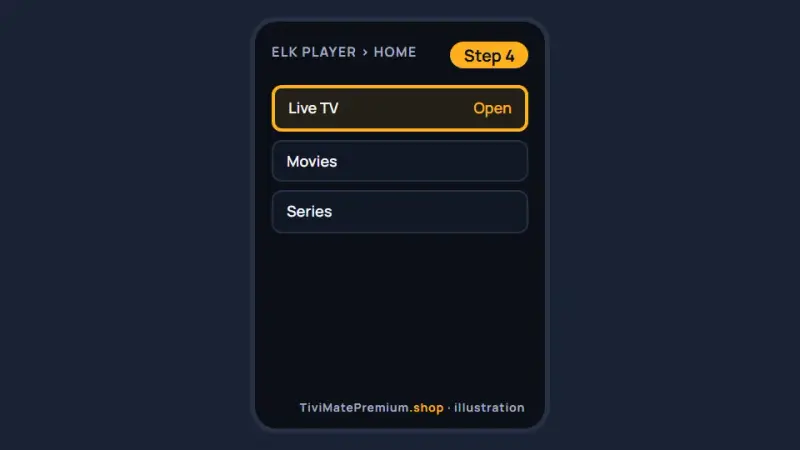
Reopen ELK Player and start watching (illustration)
Set up Smarters Player Lite on iPhone and iPad
Free. This is the App Store listing of IPTV Smarters.
-
Step 1: Install Smarters Player Lite
Open the App Store link below on your iPhone or iPad, or search for Smarters Player Lite, and tap Get.
Smarters Player Lite on the App Store
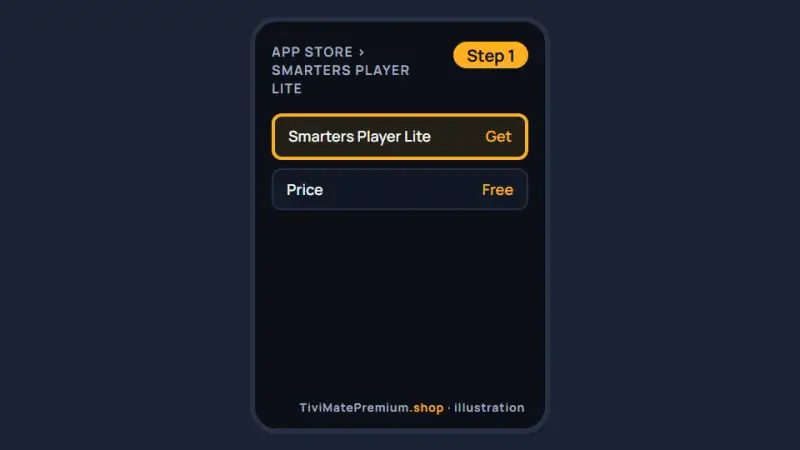
Install Smarters Player Lite from the App Store (illustration) -
Step 2: Choose Login with Xtream Codes API
Open the app, accept the terms and pick Login with Xtream Codes API from the list of login types.
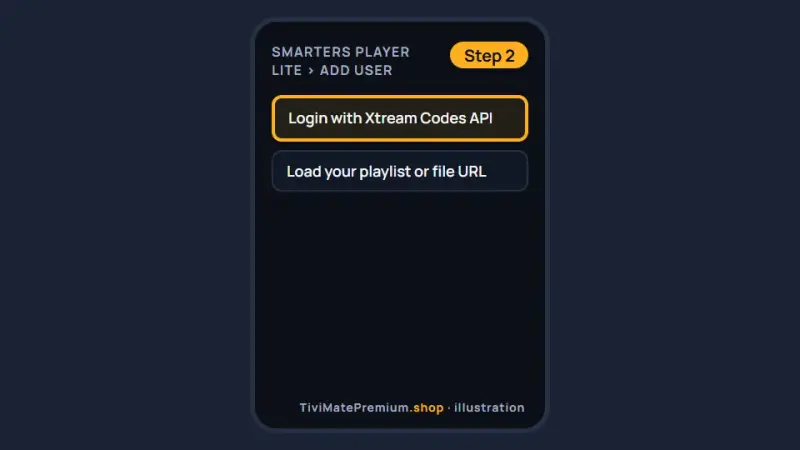
Pick the Xtream Codes API login type (illustration) -
Step 3: Enter your login and add the user
Type any name, then paste the username, password and server URL from our message, and tap Add user. Channels load in about a minute.
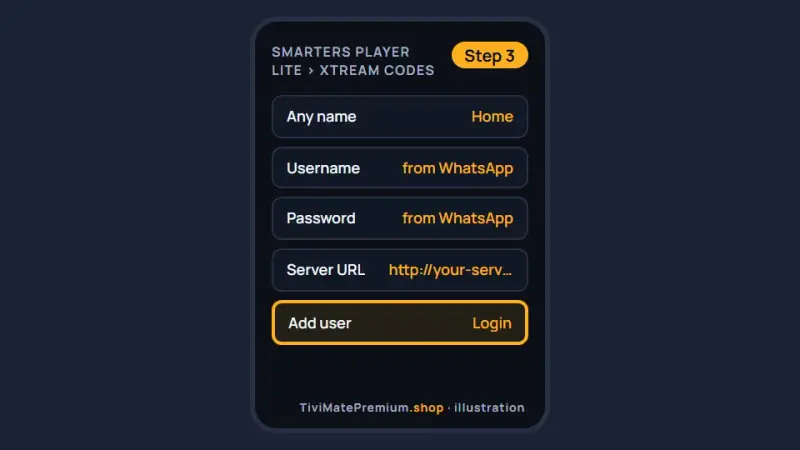
Add your login to Smarters Player Lite for IPTV on iPhone (illustration)
Set up UHF on iPhone and iPad
Free, with an optional Pro plan paid to its developer.
-
Step 1: Install UHF
Open the App Store link below, or search for UHF, and tap Get.
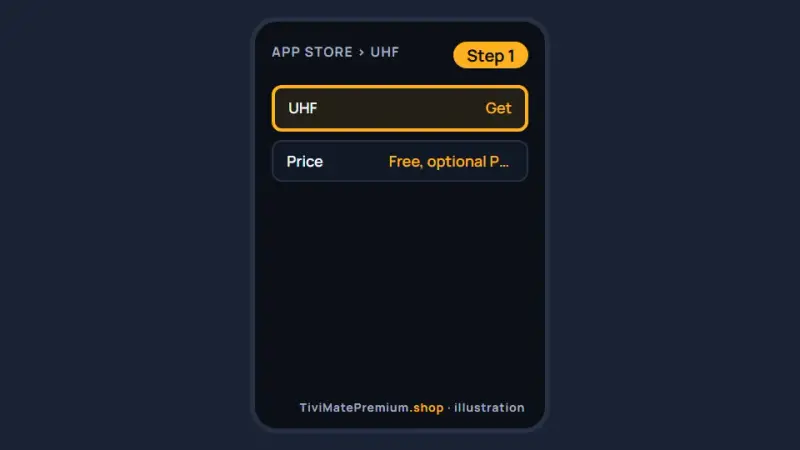
Install UHF from the App Store (illustration) -
Step 2: Add a playlist
Open UHF, tap Add playlist and choose Xtream Codes, or M3U if you prefer the single link.
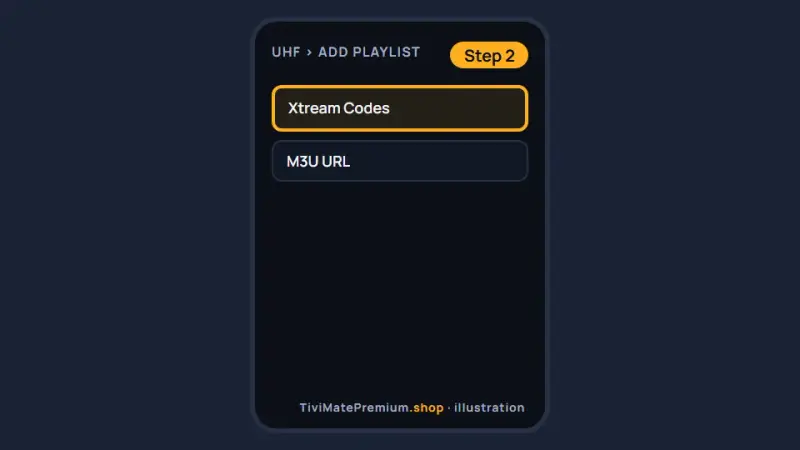
Add a playlist in UHF and choose Xtream Codes (illustration) -
Step 3: Enter your login and save
Paste the server URL, username and password from our message, tap Save and wait while the channels and guide load.
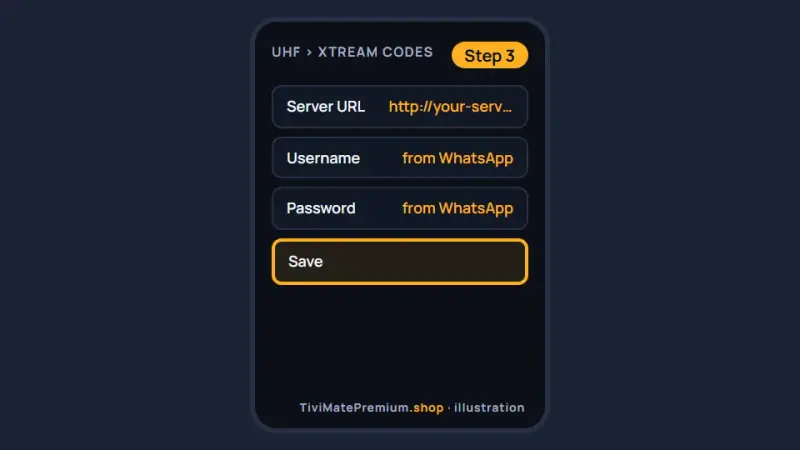
Enter your login in UHF and save it (illustration)
Which app should you pick for IPTV on iPhone?
IBO Player is the easiest start: install it, send us the Device ID and Key, and we activate it, so you never type a long password on a touch keyboard. Smarters Player Lite and UHF are free and work well if you are happy to paste the Xtream Codes login once. UHF has a clean, native feel. ELK Player is a good second choice with a different layout. Our ranking of the best IPTV player apps compares them all.
Watch on your TV with AirPlay
Your iPhone or iPad can send the picture to an Apple TV or an AirPlay-compatible smart TV. Start a channel, tap the AirPlay icon in the player if it shows one, or open Control Center, choose Screen Mirroring and pick the TV. Both devices must be on the same Wi-Fi network.
AirPlay is handy, but its quality depends on your Wi-Fi, and the phone must stay awake. If you watch on the TV most evenings, install a player directly on it: the Apple TV setup guide uses the same four apps on tvOS.
Tip. For a steady AirPlay picture, keep the iPhone or iPad plugged in and on the same Wi-Fi network as the TV. If the stream stutters on the big screen, choose FHD instead of 4K in the player settings.
Troubleshooting IPTV on iPhone and iPad
The app is not in the App Store
Search for the exact name, and remember that IPTV Smarters is listed as Smarters Player Lite. Some apps are not offered in every App Store region. Check the country of your Apple ID in Settings, then your name, Media and Purchases, and use the direct App Store links in the tabs above.
Warning. Look-alike IPTV apps exist on the App Store. Install only the listings linked in the tabs above, check the exact app name before you tap Get, and send your Device ID and Key only to us on WhatsApp.
The login is rejected
A stray space or a mistyped character causes almost every rejected login. Copy the server URL, username and password from our WhatsApp message and paste each one into its field. Check that the URL starts with http and keeps the port number if our message includes one.
Video freezes or buffers
Move closer to the router, switch off Low Data Mode for your Wi-Fi in Settings and choose FHD instead of 4K in the player. On mobile data, iOS and your carrier can slow video down. Restarting the router and the phone clears most short drops in speed.
No sound while the phone is on silent
Some players follow the Ring and Silent switch, or the silent mode set by the Action button on newer models. Turn silent mode off, then raise the volume with the side buttons or in Control Center. Also check that the audio is not still routed to Bluetooth headphones.
The channel list is empty
Pull down to refresh the list, then close the app fully from the app switcher and open it again. The first load can take a minute on a slow connection. If the list stays empty, check the login, or send us a screenshot on WhatsApp so we can look.
IBO Player shows a code but nothing loads
The app waits until we activate the Device ID. Send us the screenshot of the Device ID and Key on WhatsApp, wait for our confirmation message, then close and reopen the app. Activation is usually done within minutes, and the channels load on the next start.
Watching from the US, UK, Canada, France or Germany
The setup is identical in all five countries, because iOS and the App Store behave the same way everywhere. Our prices are in US dollars on every page, so convert them first if you compare us with a local provider quoting in CAD, GBP or EUR. Once the app is running, set the TV guide time shift to your own time zone so the schedule matches.
Need help? We'll set it up with you
Tell us your iPhone or iPad model and the app you picked on WhatsApp, and we walk you through to your first channel.
Message us, and we guide you all the way to your first channel.
Daily support, usually within the hour.
iPhone and iPad FAQ
Is TiviMate available on iPhone or iPad?
No. TiviMate is built for Android, so it does not run on Apple devices, and TiviMate Premium cannot be used there either. For IPTV on iPhone and iPad, use IBO Player, ELK Player, Smarters Player Lite or UHF, which all accept the same login.
Which app is the easiest for IPTV on iPhone?
IBO Player has the quickest setup, because we activate it from the Device ID and Key and you type nothing. Smarters Player Lite and UHF are free and need only your login, which you can paste from WhatsApp. You can switch apps at any time, because every player in this guide reads the same login.
Do I pay for these apps?
Smarters Player Lite and UHF are free, and UHF has an optional Pro plan. IBO Player and ELK Player are free for a short period, then charge their own fee per device. Any app fee is paid to its developer, separate from your plan.
Can I use the same login on my iPhone and my TV?
Yes, within the number of devices in your plan. A 2-device plan streams on two screens at the same time, for example your iPhone and a Fire TV Stick. Add the same login in a player on each screen. If you use IBO Player or ELK Player, send us each Device ID and Key, because those apps are activated per device.
Does IPTV on iPhone work on mobile data?
Yes, but video uses a lot of data: an hour of HD can take a few gigabytes. Watch on Wi-Fi when you can, and lower the quality in the player when you are on the move. On mobile data, iOS and your carrier can slow IPTV on iPhone down, so FHD gives a steadier picture than 4K.
Your login is the last step. Choose your plan.
Plans from $4.16/mo · Billed once, no auto-renew · 7-day money-back